
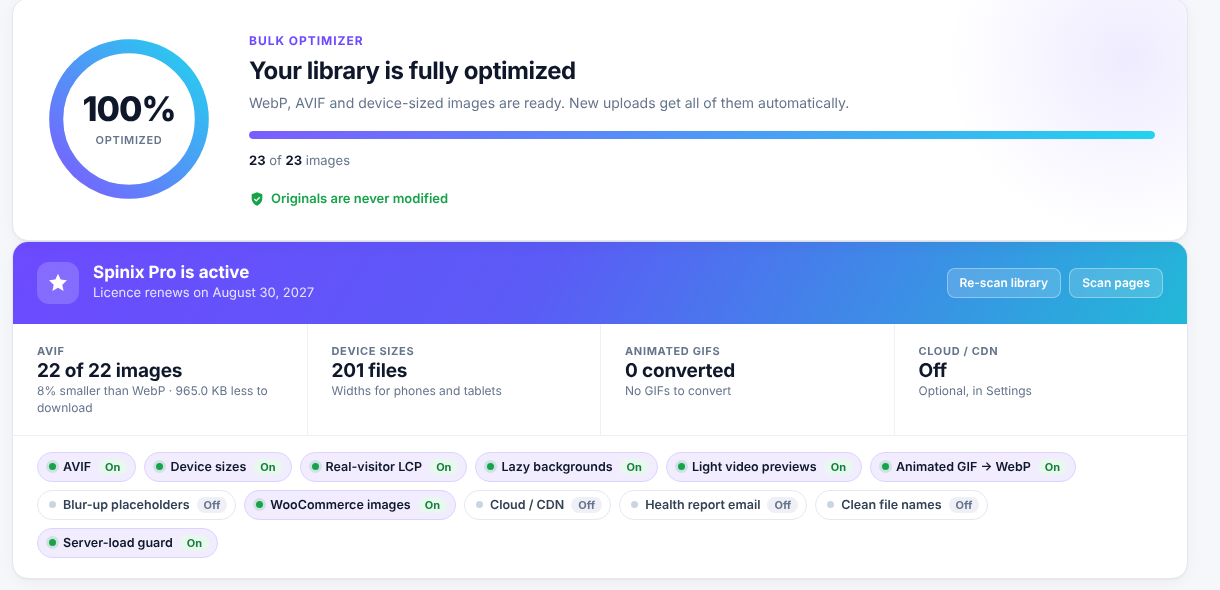
AVIF where it saves space
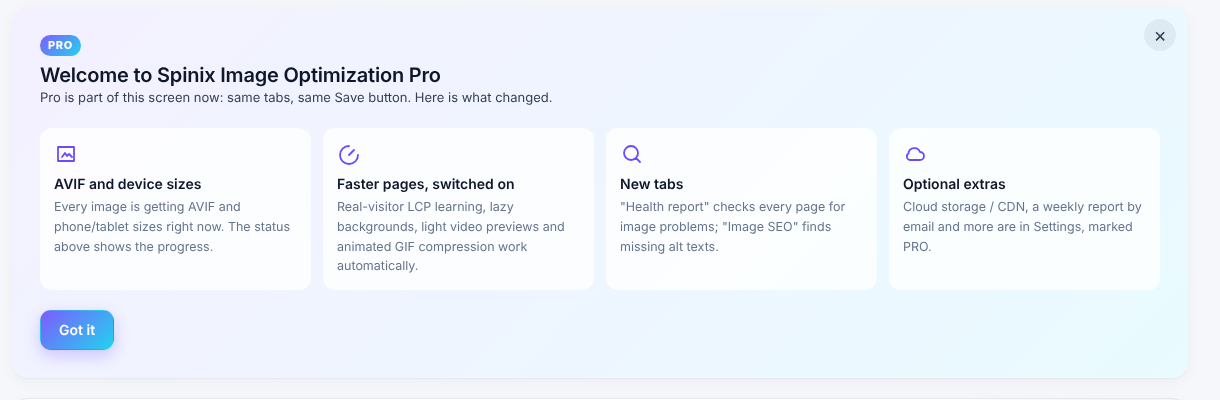
Pro creates AVIF at the same visual quality as WebP and keeps it only when clearly smaller. Savings depend on your images and are often 5–15% across a library, with bigger gains on some photos.


Pro adds its features to the same screen as the free plugin. You use the same tabs, the same Save button and one status display.
Pro creates AVIF at the same visual quality as WebP and keeps it only when clearly smaller. Savings depend on your images and are often 5–15% across a library, with bigger gains on some photos.
Add widths for phones and tablets so browsers can pick a closer fit. This addresses PageSpeed’s “Properly size images” finding.
Prioritize the image visitors actually see first to improve Largest Contentful Paint (LCP). This learning uses no cookies or personal data.
Delay background images farther down the page until visitors need them.
Show a lightweight YouTube or Vimeo preview and load the player on click. Other iframes load lazily.
Convert animated GIFs to animated WebP to reduce file size while keeping the animation.
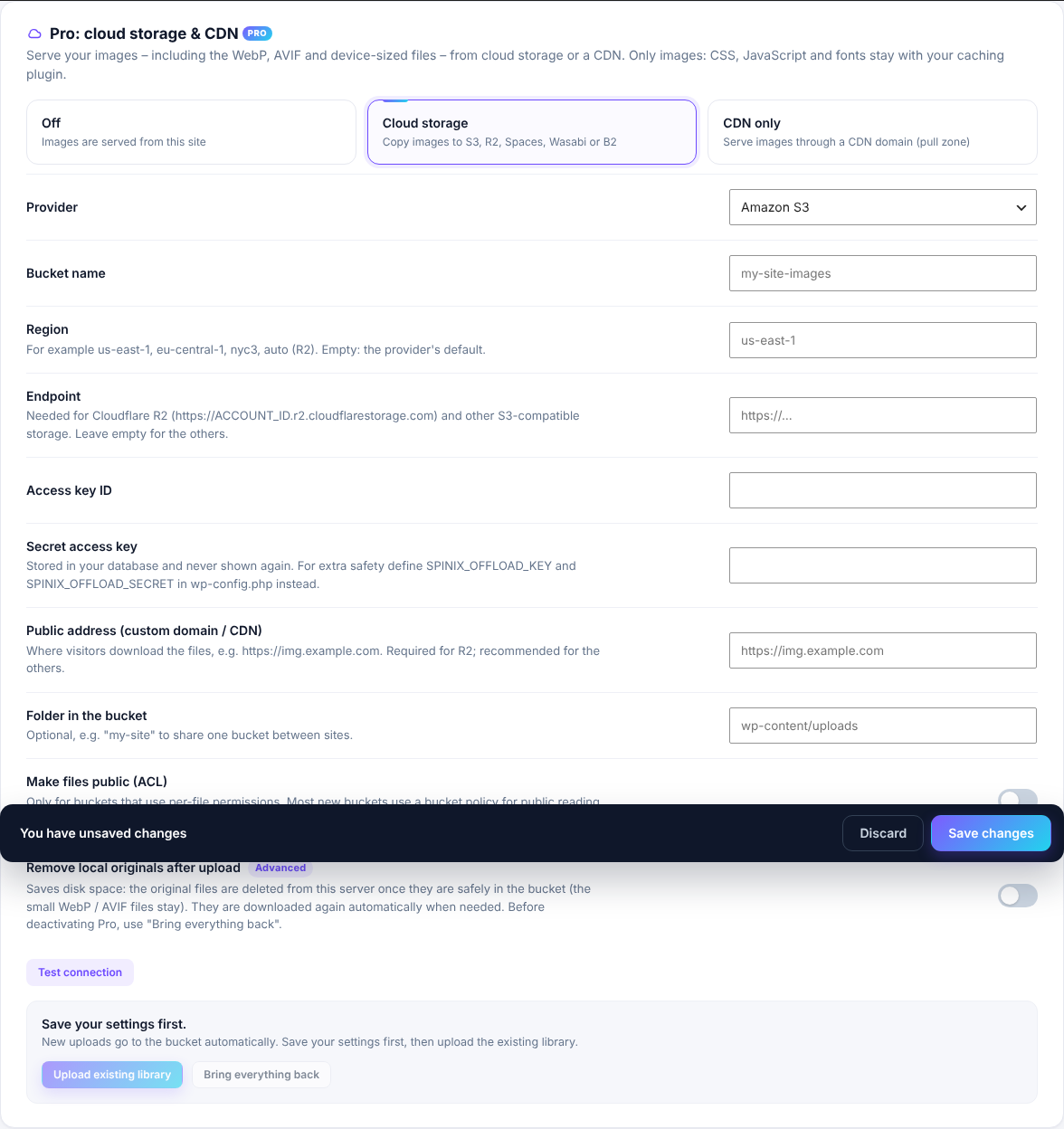
Serve images, including WebP and AVIF, from Amazon S3, Cloudflare R2, DigitalOcean Spaces, Wasabi, Backblaze B2, another S3-compatible service or a CDN domain. Upload the library in one click, optionally remove local originals, and bring everything back anytime. Your caching plugin still handles CSS, JavaScript and fonts.
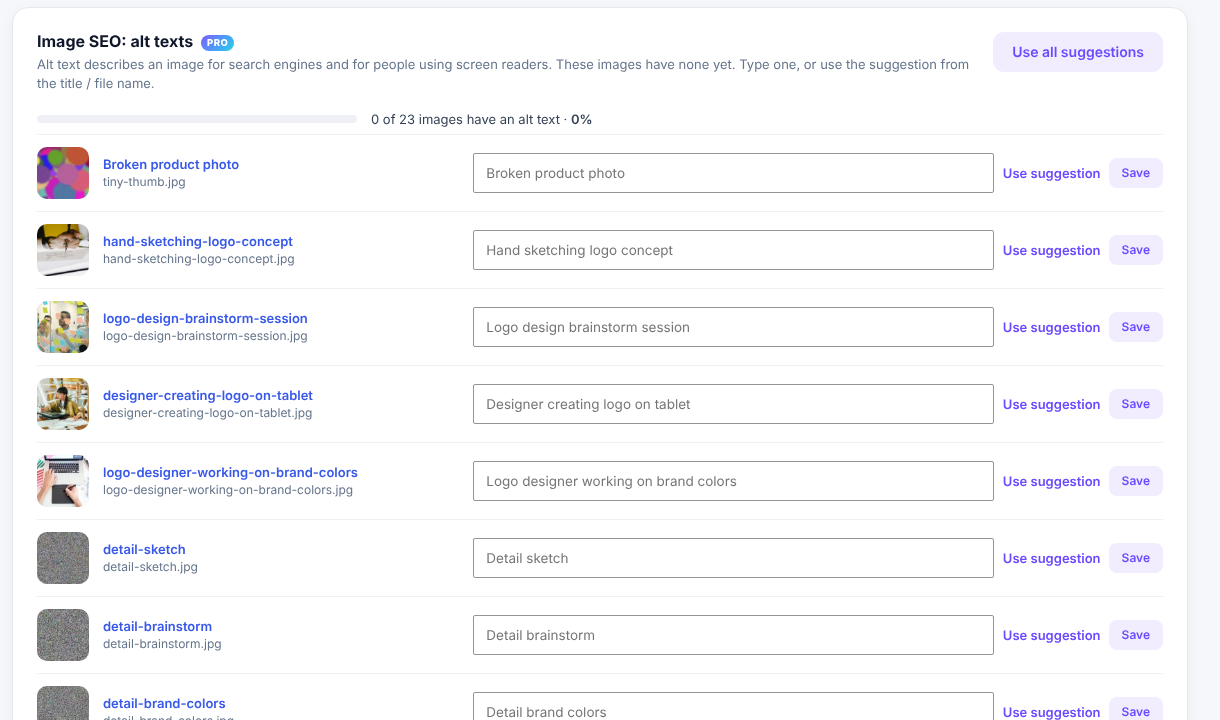
Find missing alt text and fill it using smart suggestions. Clean up file names during uploads.
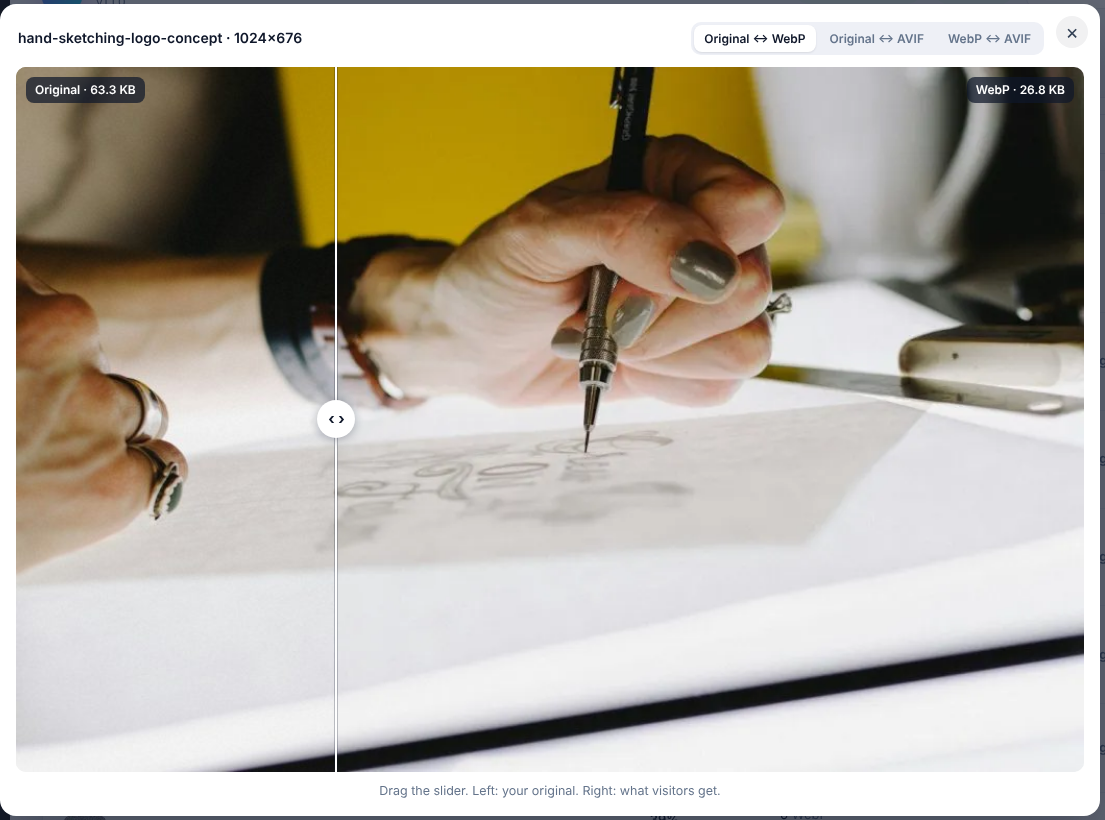
Compare an original and its optimized version side by side before choosing your settings.
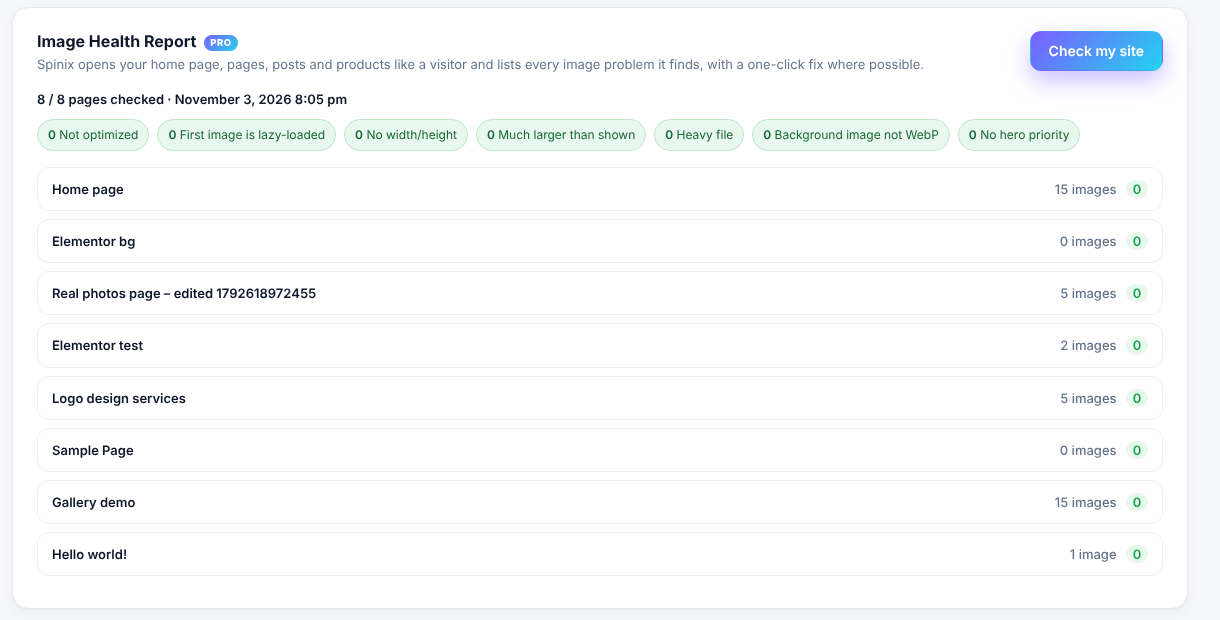
Scan every page for image problems, fix supported issues in one click and optionally receive a weekly or monthly email report.
Use blur-up placeholders, WebP for WooCommerce galleries and variations, custom folders, upload size limits and EXIF/GPS removal with backups.
Use WP-CLI, a server-load guard and multisite support. Optimize unlimited images without credits.
Select a screenshot to enlarge it without leaving this page.
Prices are in USD. Annual plans are billed yearly.
$49 / year
$99 / year
$199 / year
Secure checkout by Freemius. Licence includes updates and support for the billing period. When a yearly licence expires, Pro keeps working for 7 days, then pauses; your site keeps running with the free features.
Choose a licence above and download the ZIP from the purchase email.
Go to Plugins → Add New → Upload Plugin. Upload the ZIP and enter your licence key. Pro settings appear inside Spinix Image Optimization.
Yes. Pro adds settings to Spinix Image Optimization, so keep the free plugin installed and active.
No. Image optimization runs on your server without credits or an image limit. Cloud offload connects to the storage provider you choose.
Savings vary by image. Pro keeps an AVIF version only when it is clearly smaller than its WebP equivalent.
It serves images only. Your caching plugin continues to handle CSS, JavaScript and fonts.
Pro keeps working for seven days, then pauses. The free features continue working on your site.
Contact us about your licence or plugin support.