
Complete backups in one file
Files, database and settings, with optional AES-256 password encryption.


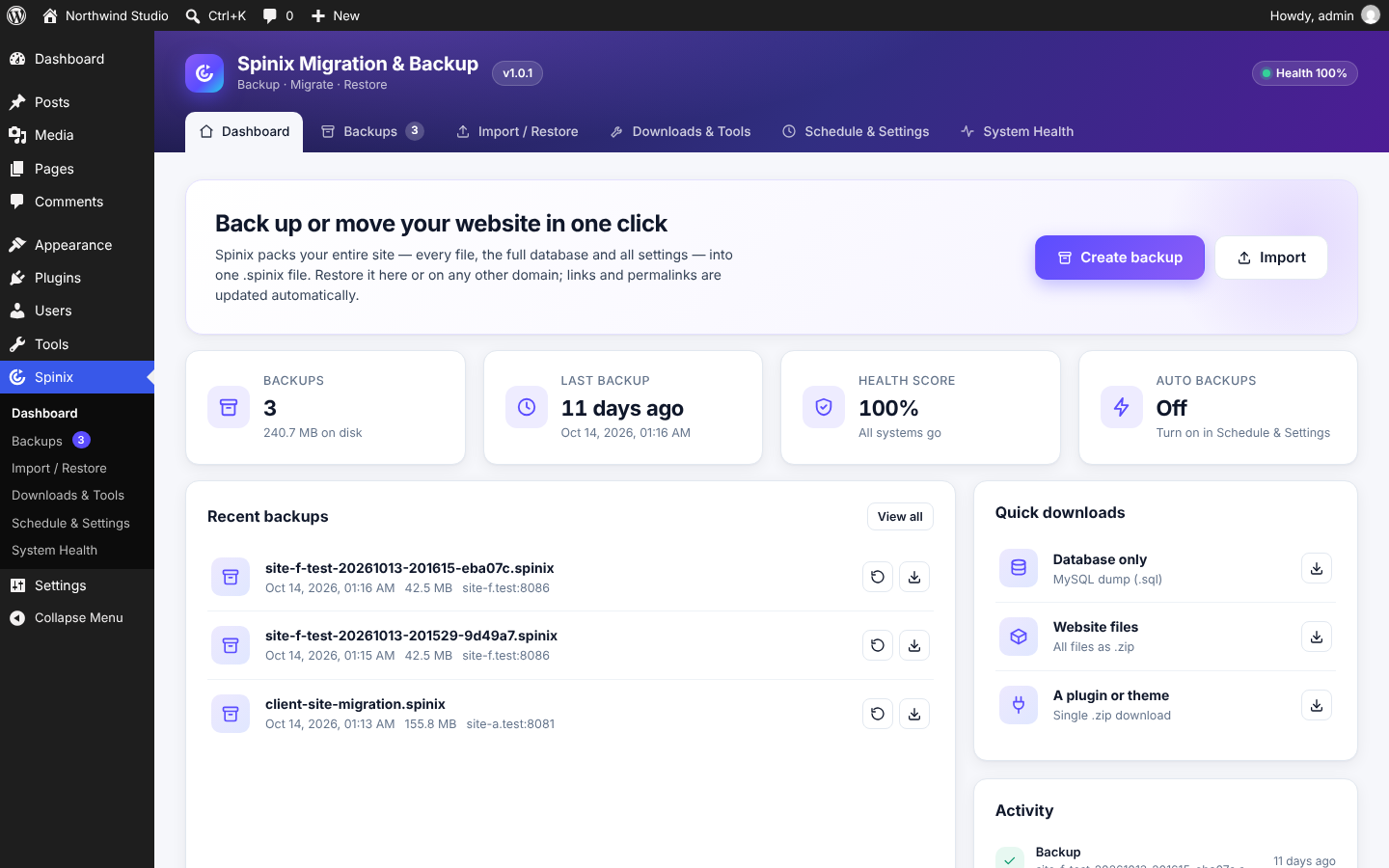
Spinix Migration & Backup packs your whole website — every file (including .htaccess, wp-config.php and other hidden files), the full database and all settings — into a single .spinix file.
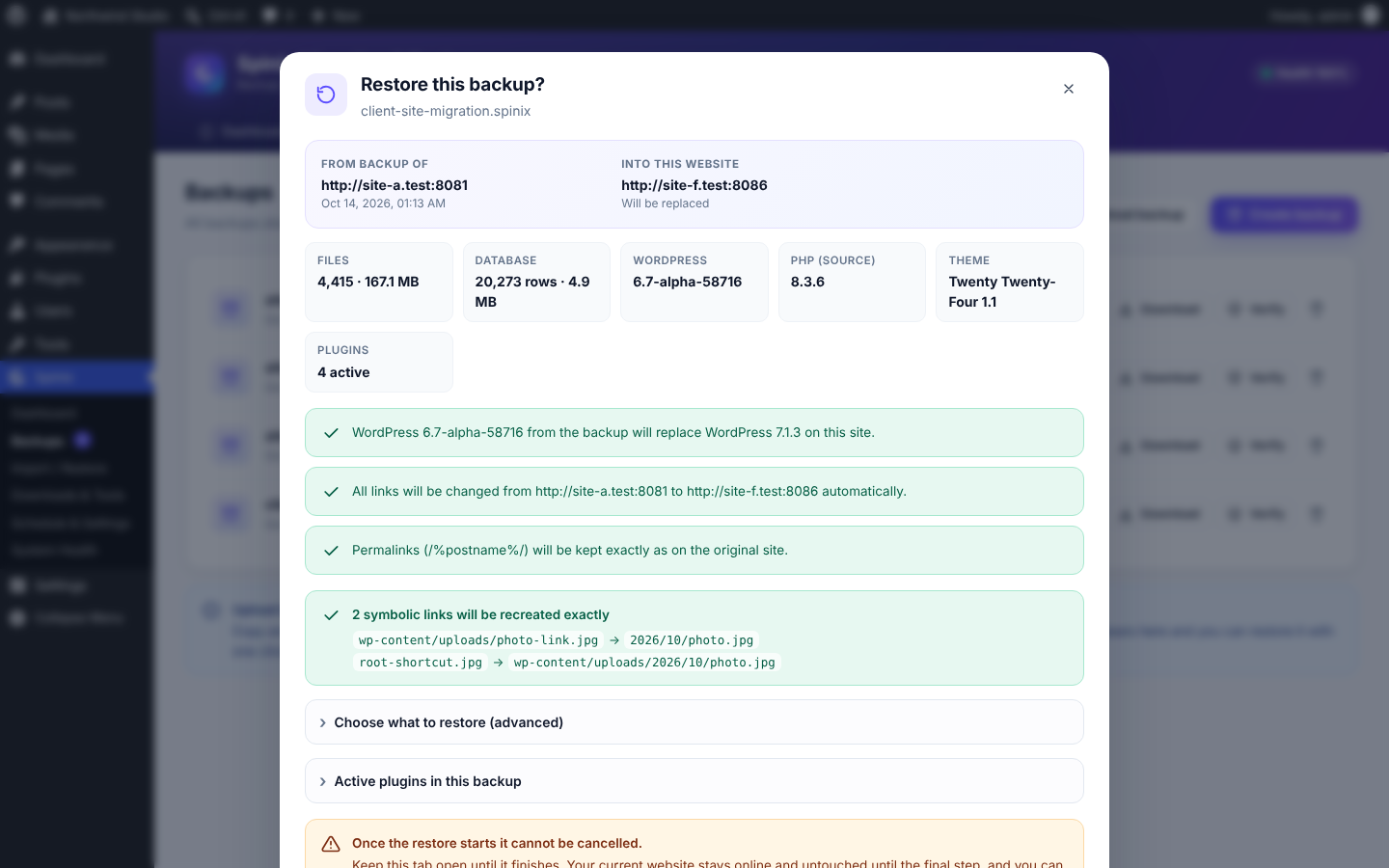
Restore it on the same site or move it to a completely different domain or server: links, server paths and the database table prefix are updated automatically, and your permalinks stay exactly as they were.
Files, database and settings, with optional AES-256 password encryption.
URLs, server paths and the database table prefix update automatically, safely handling serialized and JSON data.
Your live site keeps running until the final switch. Undo a restore with one click.
Resumable, chunked uploads work even on shared hosting.
After a restore, plugins that do not work on the new server are switched off automatically.
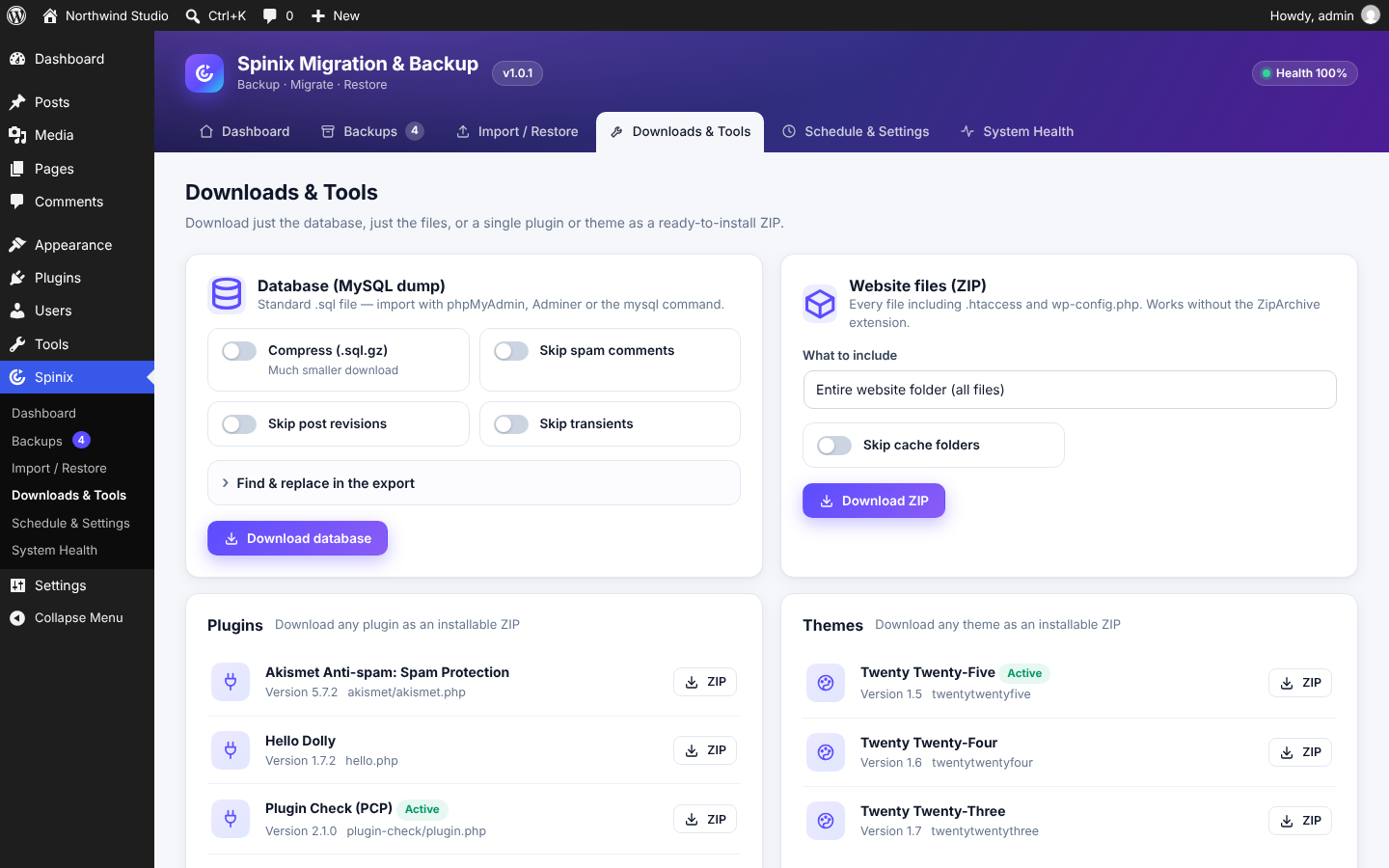
Export the database as .sql or .sql.gz, all website files as a ZIP, or any single plugin or theme as an installable ZIP.
Automatic daily or weekly backups, with retention and email notifications.
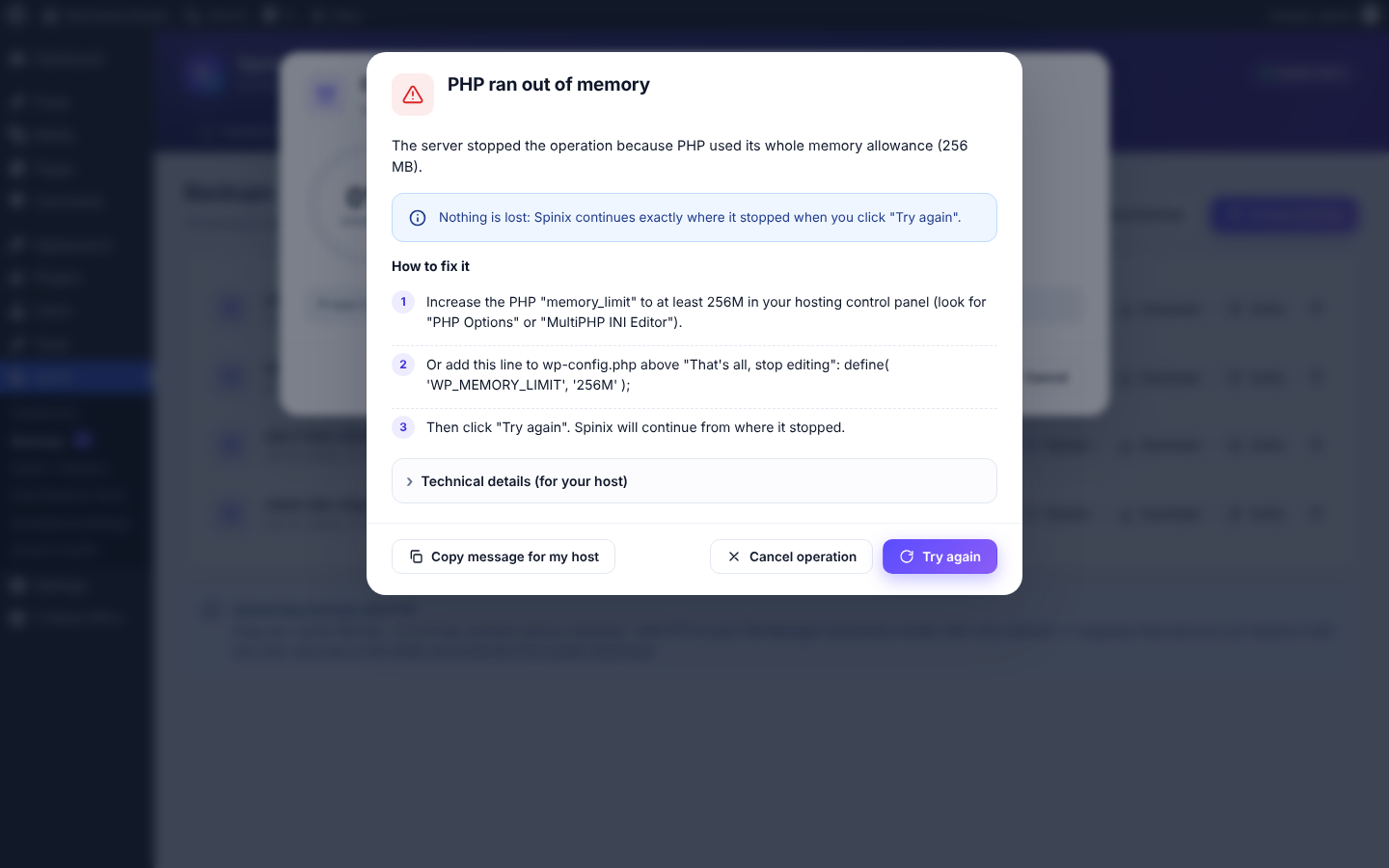
Step-by-step fixes and a “Copy message for my host” button help you find the next step.
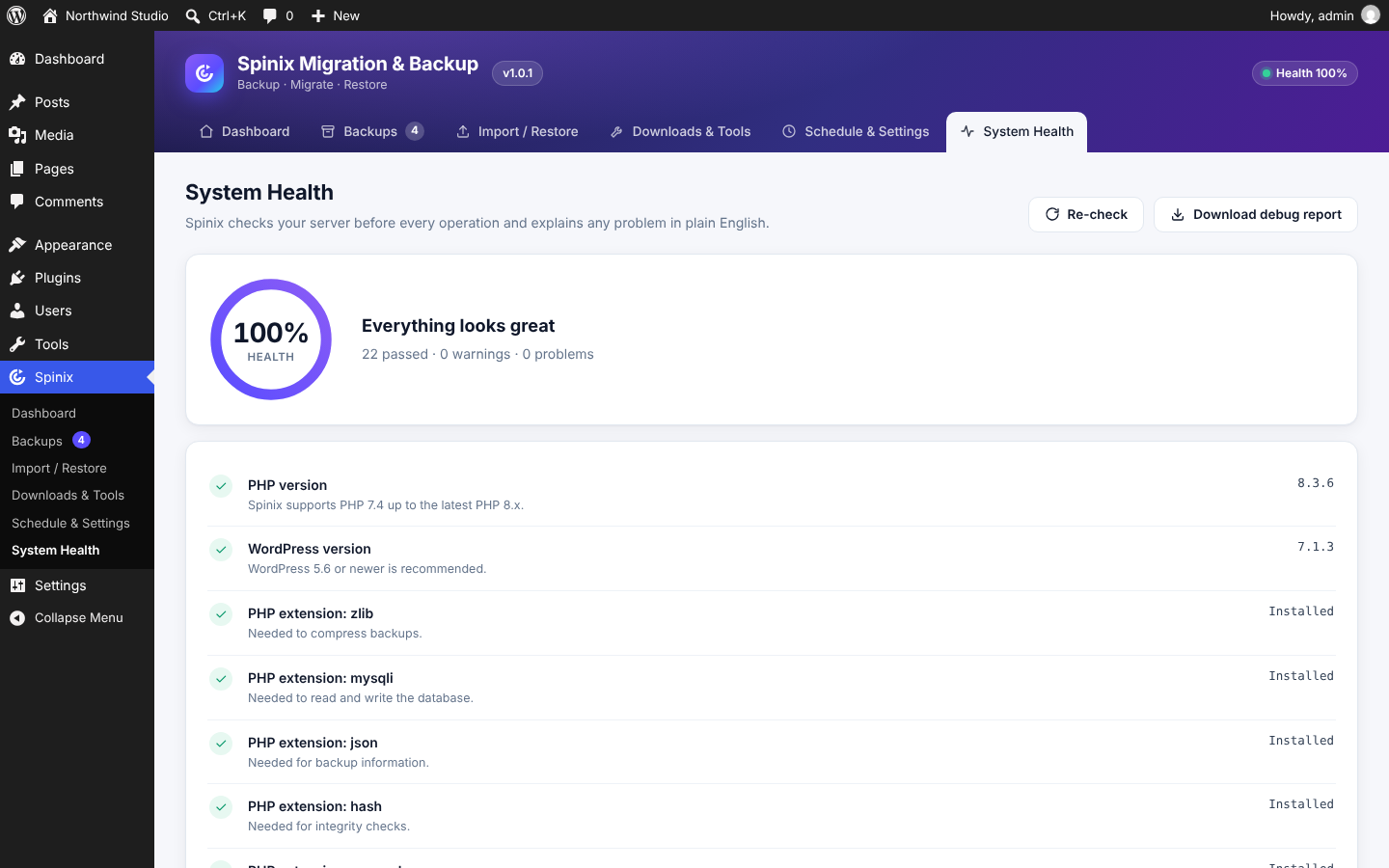
Checks your server before every operation.
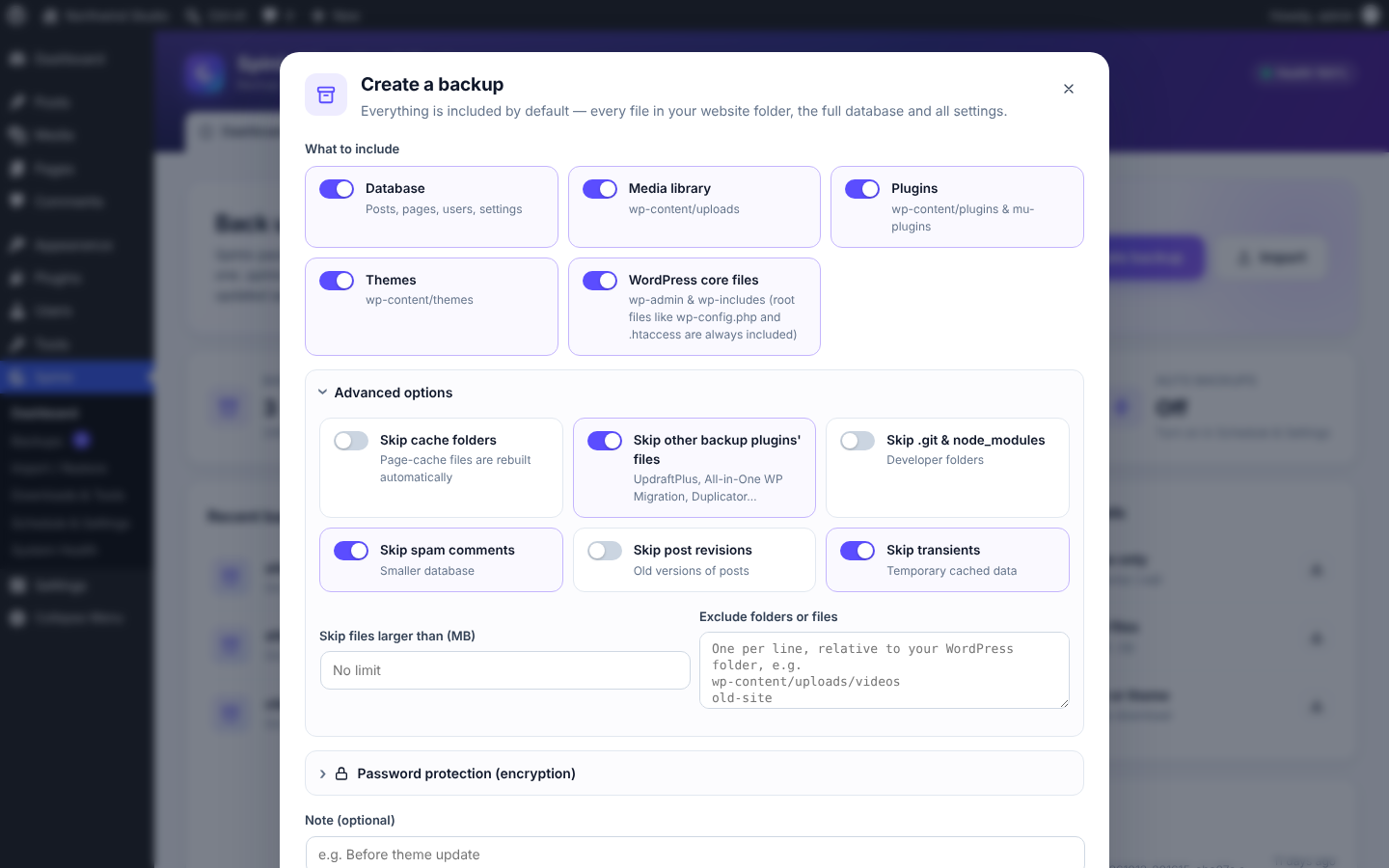
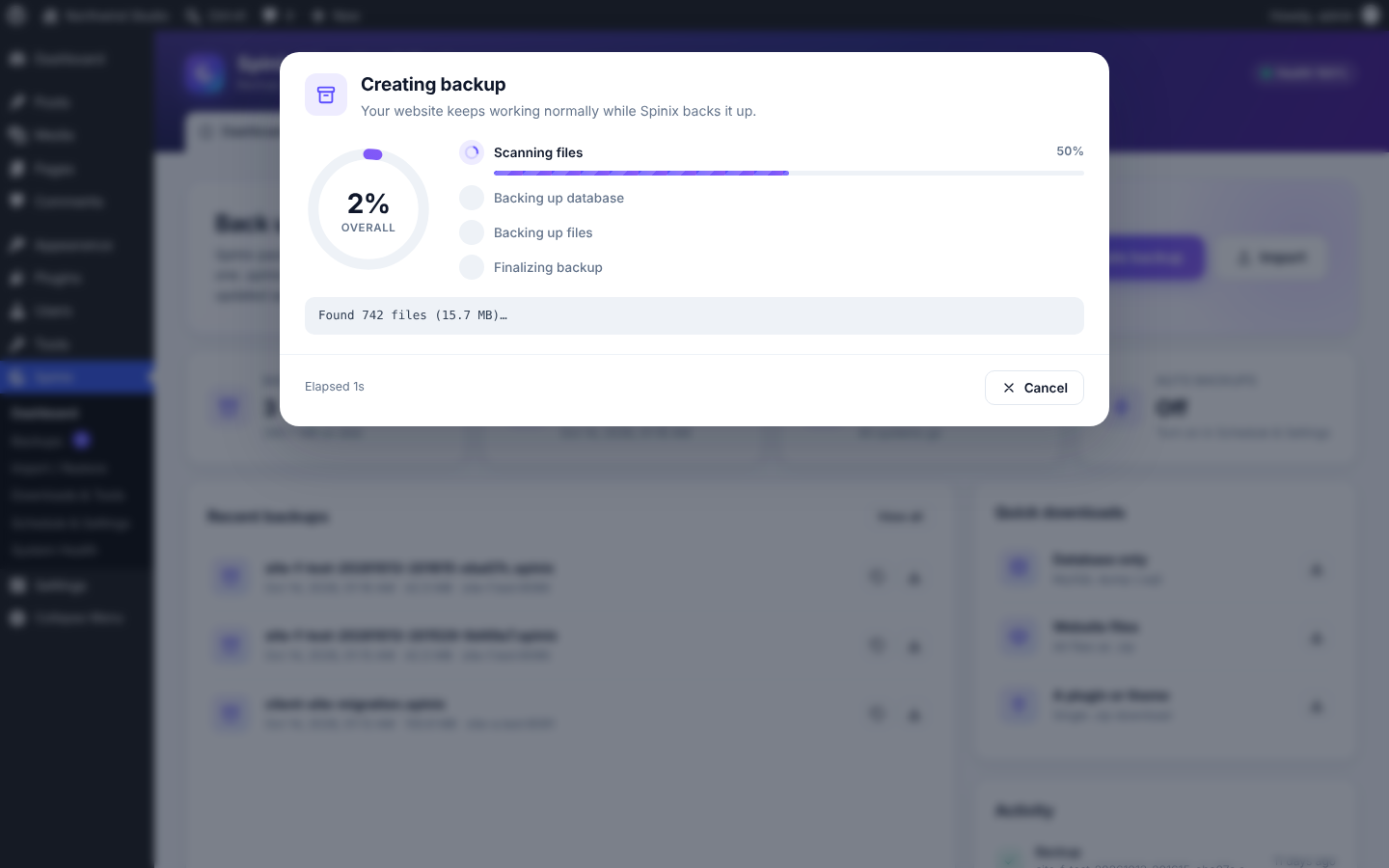
A clear view of the workflow. Select a screenshot to enlarge it without leaving this page.
Install the free plugin from WordPress.org.
Click “Create backup” and download your .spinix file.
On the new site, install Spinix, click “Import” and upload the file — done.
Yes. The plugin is free and open source, published on the official WordPress.org plugin directory.
Yes. Spinix changes all links, server paths and the table prefix automatically.
Your live site stays online until the final step, and you can undo the restore with one click.
Yes. Uploads and backups are resumable and split into small chunks, so there is no file size limit.