
Bulk Media Library optimization
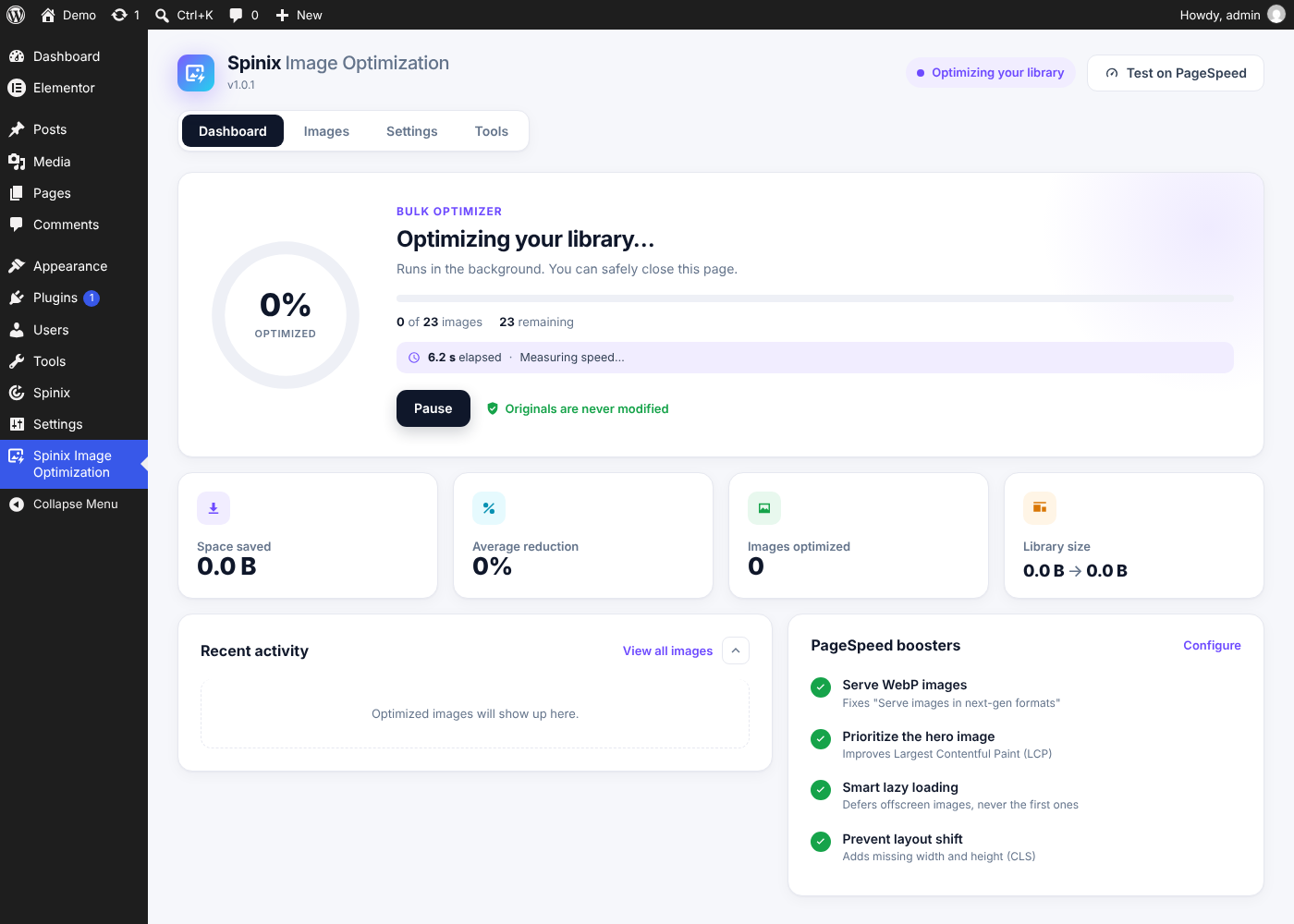
Optimize the whole library in the background and follow live progress, savings and a speed timer.


Compress images in WordPress and serve them as WebP. Spinix also helps the main image load sooner and reserves space for images to reduce layout shift.
Version 1.1.0 · WordPress 6.2+ · PHP 7.4+
Optimize the whole library in the background and follow live progress, savings and a speed timer.
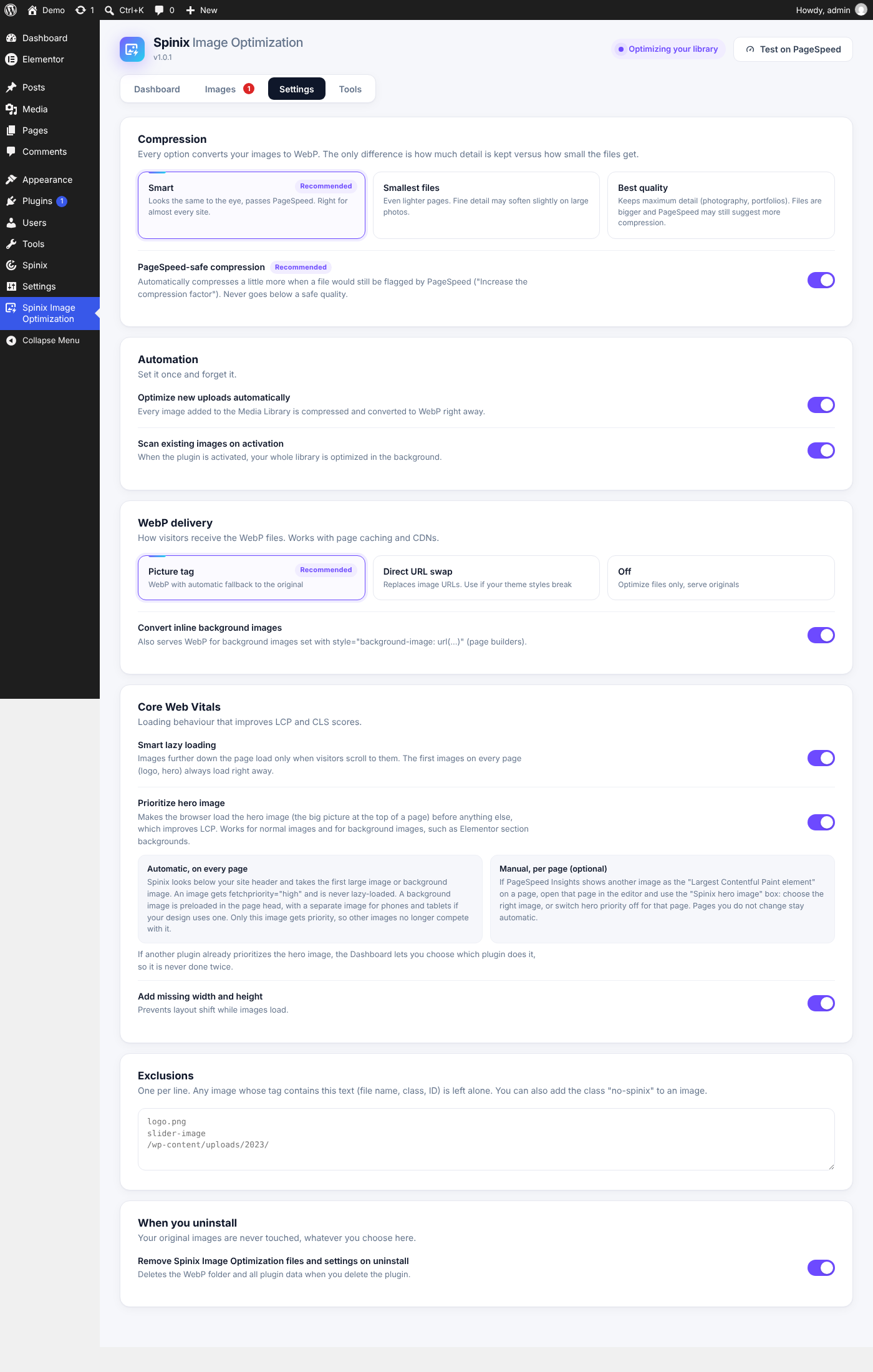
Convert new images to WebP as you upload them, including every generated size.
Pick Smart, Smallest files or Best quality, or use PageSpeed-safe compression.
Use the <picture> tag with automatic fallback or swap the image URL directly. Works with page caches and CDNs.
Serve WebP for inline CSS background images, including those from page builders such as Elementor.
Load images farther down the page when needed and keep the first images loading normally.
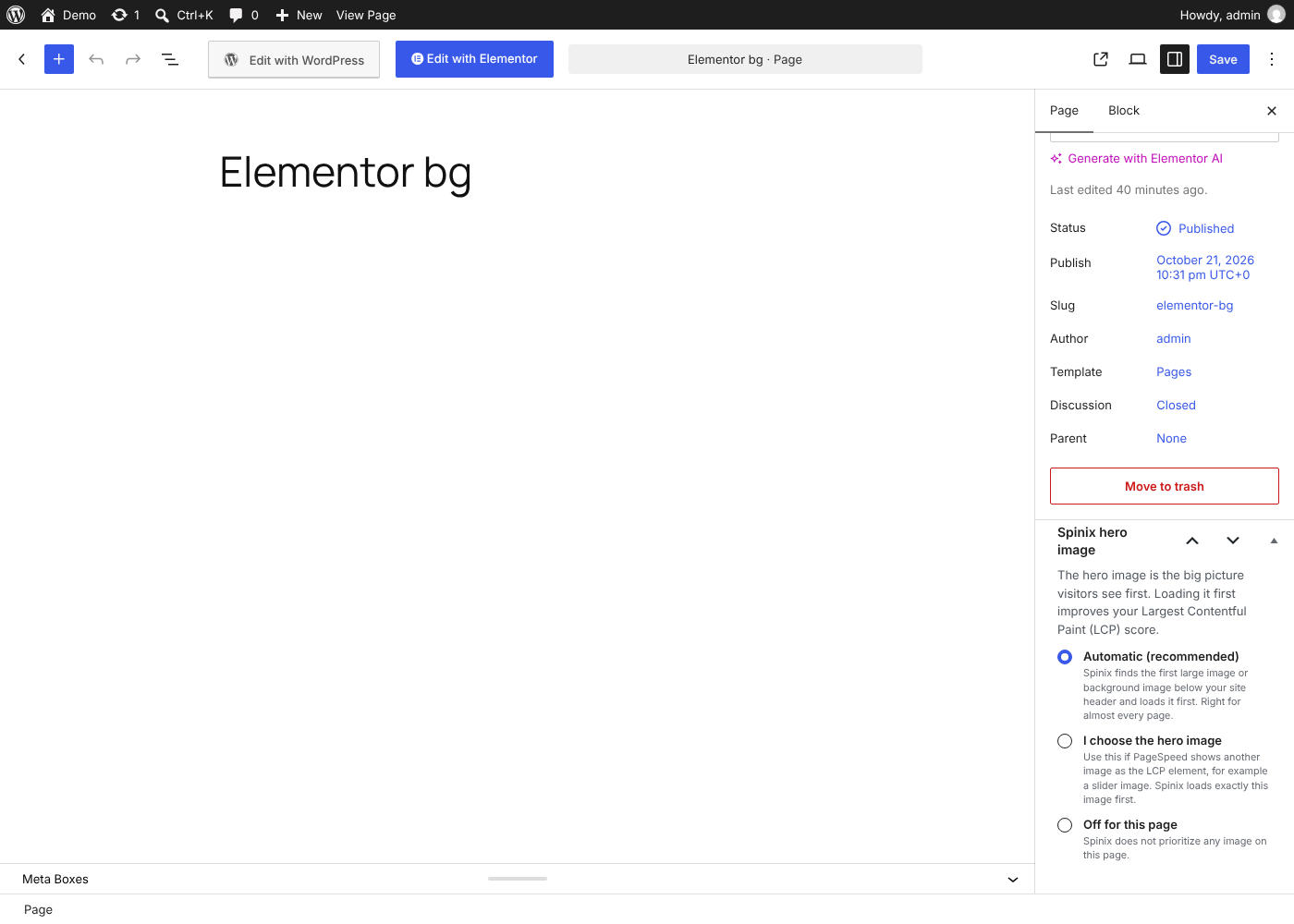
Give the main image fetchpriority to help it appear sooner. Let Spinix choose or select the hero in the page editor.
Add missing width and height so the browser can reserve space before an image loads.
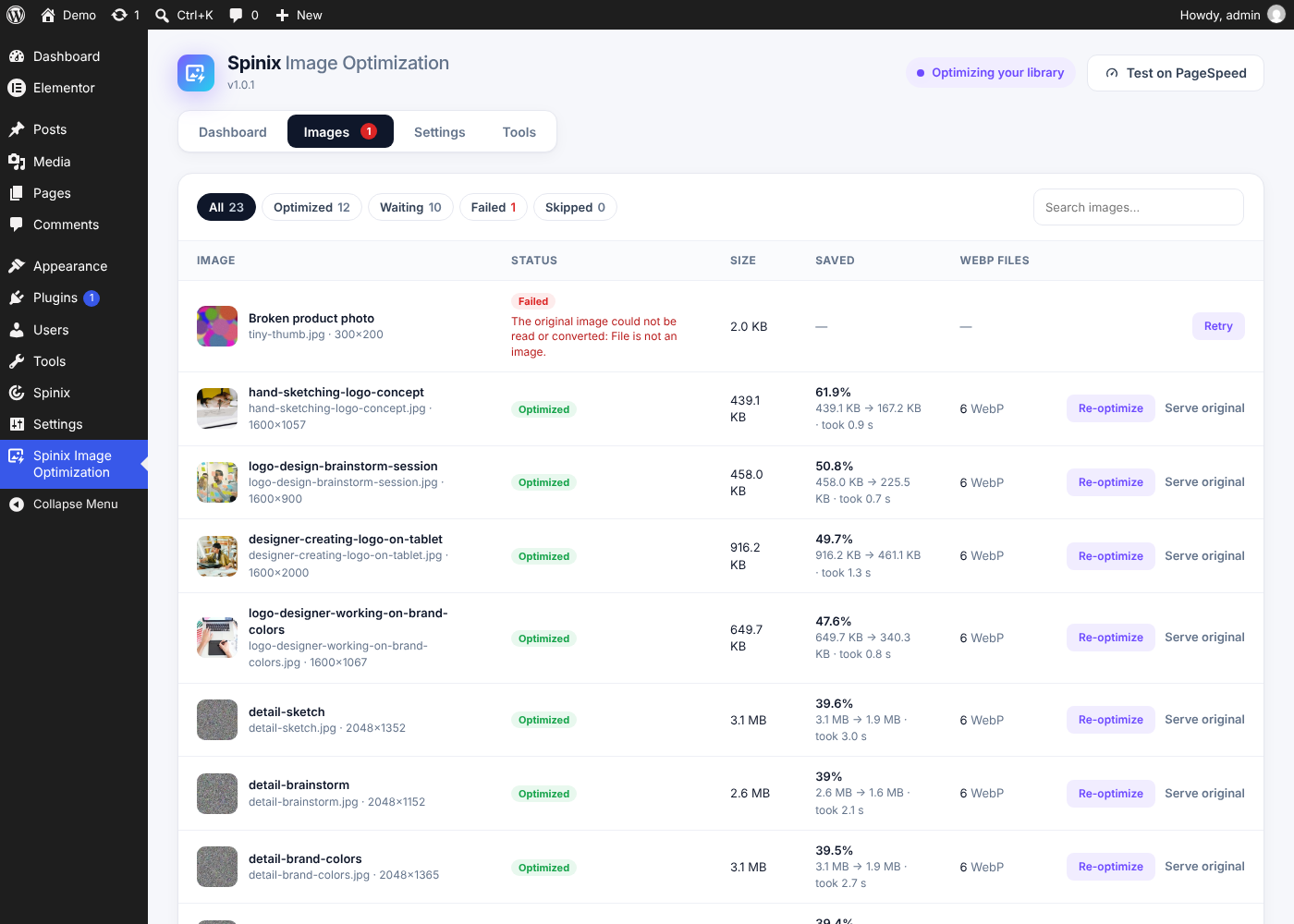
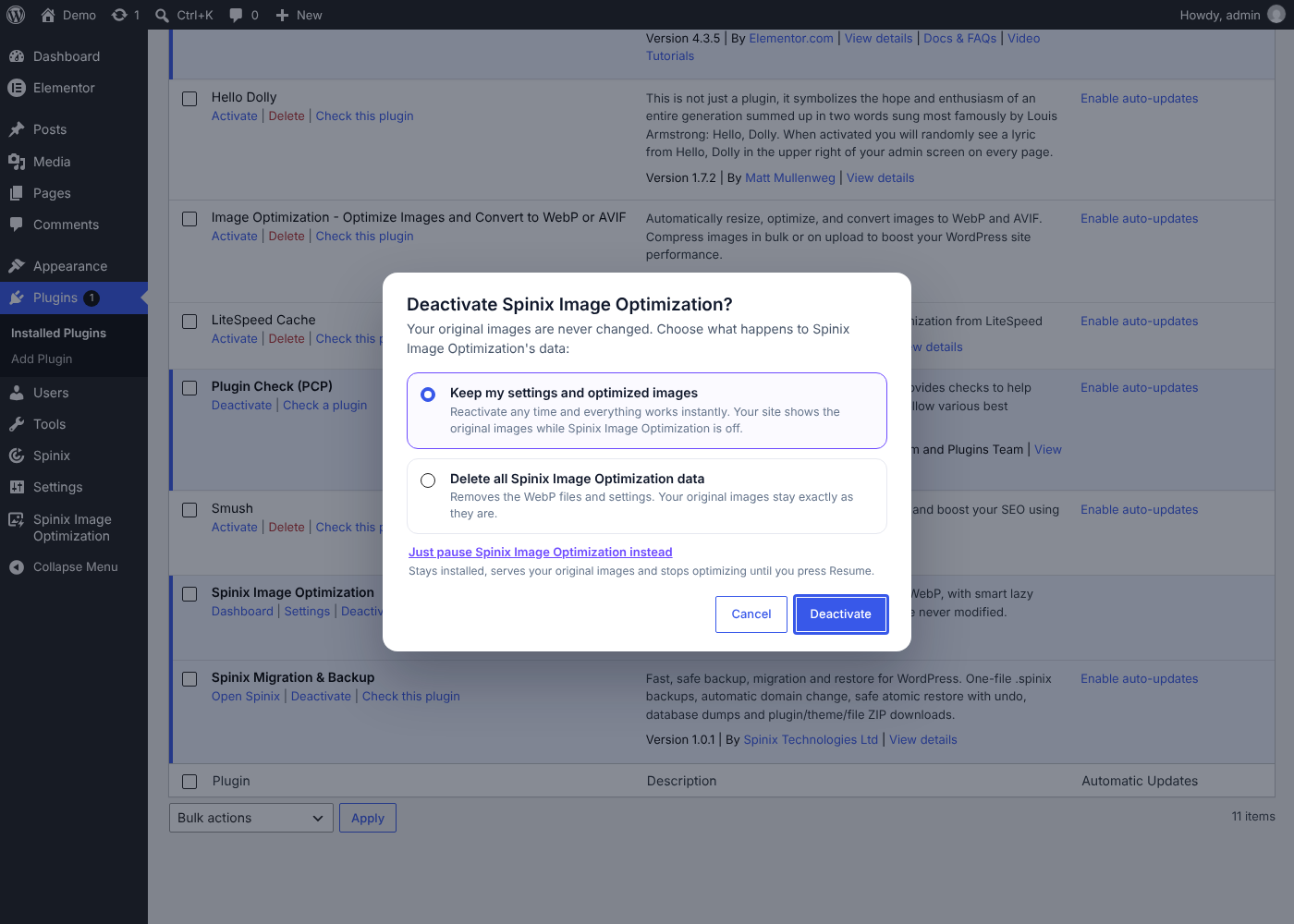
Original files stay intact. Serve the original, retry a failed image or optimize it again in one click.
Review image status, savings and failure reasons. Run compatibility checks and exclude specific images.
All processing runs on your own server without an external optimization API.
Select a screenshot to enlarge it without leaving this page.
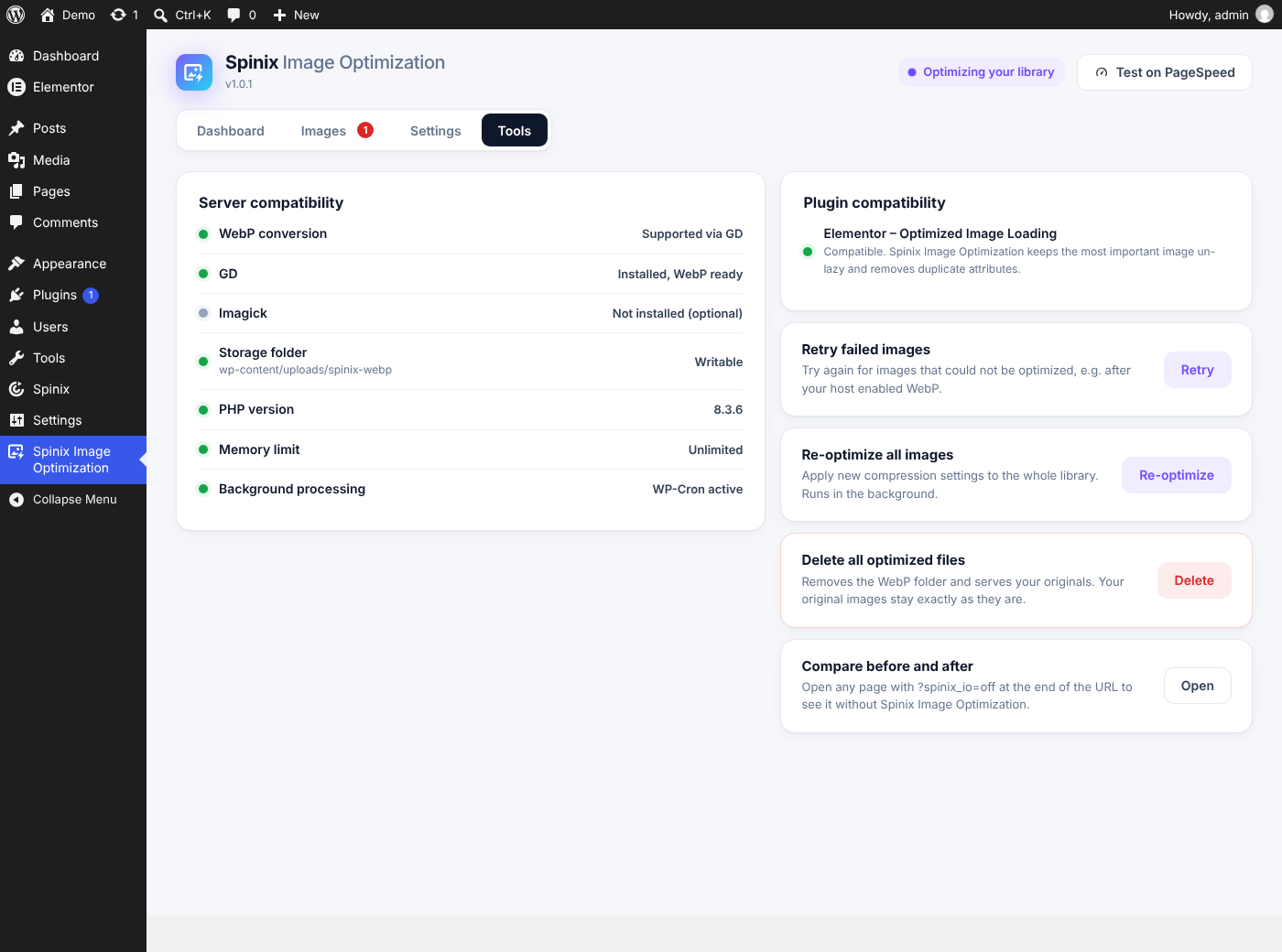
WordPress 6.2 or newer and PHP 7.4 or newer. The Tools screen checks your server and plugin compatibility.
Your original files stay intact. You can serve the original again with one click.
Yes. Choose picture markup with a fallback or direct URL swapping.
No. Optimization runs on your server without an external API.