
WordPress and AWS.
Working together.
Need a WordPress website hosted properly on AWS, or help with a setup that is not performing as expected? We connect the needs of the website with the server and services running behind it.
Working remotely with US businesses. Clear scope, shared milestones and a planned handover.
Especially useful when visitors log in.
Membership sites, communities and online stores do more work than a simple brochure website. Logged-in pages may show different information to each person, so the server often needs to prepare a fresh response.
That changes how we review the hosting. We consider the application, database, processor demand, storage and caching behavior together. A large amount of memory or a familiar instance name is not enough to establish that a setup is suitable.
What we review and configure.
The final architecture depends on the project. For example, a load balancer in front of a single server does not by itself make the application highly available. We explain what the design covers and what it does not.
- EC2 instance suitability for the site's sustained and peak workload.
- EBS storage type and performance requirements.
- The web server, PHP processing and database configuration.
- Redis object caching where useful and compatible with the website.
- Load balancing and HTTPS certificates where the design calls for them.
- Backups, monitoring, access and the responsibilities for ongoing care.
An existing AWS account is a starting point.
If another developer set up the account, we begin by reviewing it. We do not assume that everything needs replacing, or that the hosting is correct simply because the site is on AWS.
We agree on the access needed, document the relevant findings and explain the proposed changes. If a new environment is required, the website move and testing are planned as part of the work.
Plan for the day after launch.
The handover should make clear where the site runs, how its backups work, who maintains the server and how problems will be noticed. We discuss these responsibilities with you rather than leaving them as an assumption.
Running costs depend on the selected services and usage. We separate implementation work from expected AWS charges and explain the main items that could change as the website grows.
How this worked for Knowness.
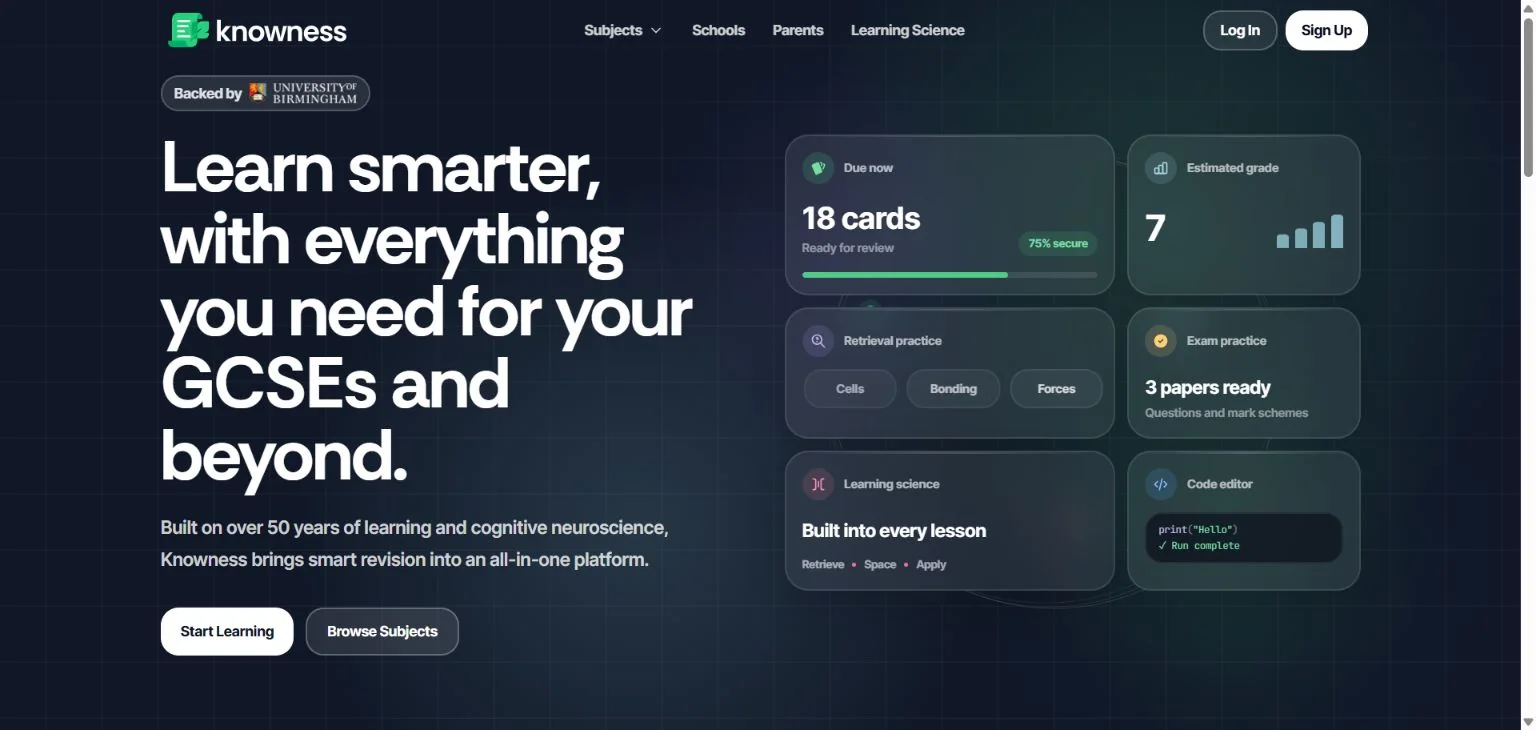
The Knowness project involved a WordPress membership website already hosted on AWS. We redesigned the hosting setup, migrated the site and configured the supporting services. Read the full project account for the before-and-after context.
Questions before we start.
Is a compute-optimized instance always the best choice?
No. Instance selection depends on the workload. We used one for the Knowness project after reviewing that setup; it is not a blanket recommendation for every WordPress website.
Can you work on a BuddyBoss website?
We have worked on the AWS hosting behind a BuddyBoss-powered membership website. Share the current problems and configuration so we can review what your site needs.
Do you manage everything after setup?
Ongoing maintenance, monitoring and response arrangements must be agreed in the proposal. A setup or migration project should not leave you guessing about who is responsible afterward.
Can you move the existing website as part of the work?
Yes. The migration scope can include preparing the destination, testing the website, planning the switch and checking important functions after launch.
Explore the related services and guides.
Have an idea?
Let’s make it work.
Tell us what you want to achieve. We’ll help you find a practical way to get there.
Let’s talk about your project